Admin
Platforms sign in to the admin dashboard with credentials issued by iC Candle.
Prerequisites
| Requirement | Details |
|---|---|
| Platform admin account | Issued by iC Candle — no self-service signup |
| Admin dashboard URL | https://manager-uptech.iccandle.site/ |
| Browser | Modern desktop browser |
Authentication flow
Open the platform admin dashboard sign-in page
        ↓
Enter email and password → Sign in
        ↓
Redirected to the admin dashboard
Step 1 — Open the sign-in page
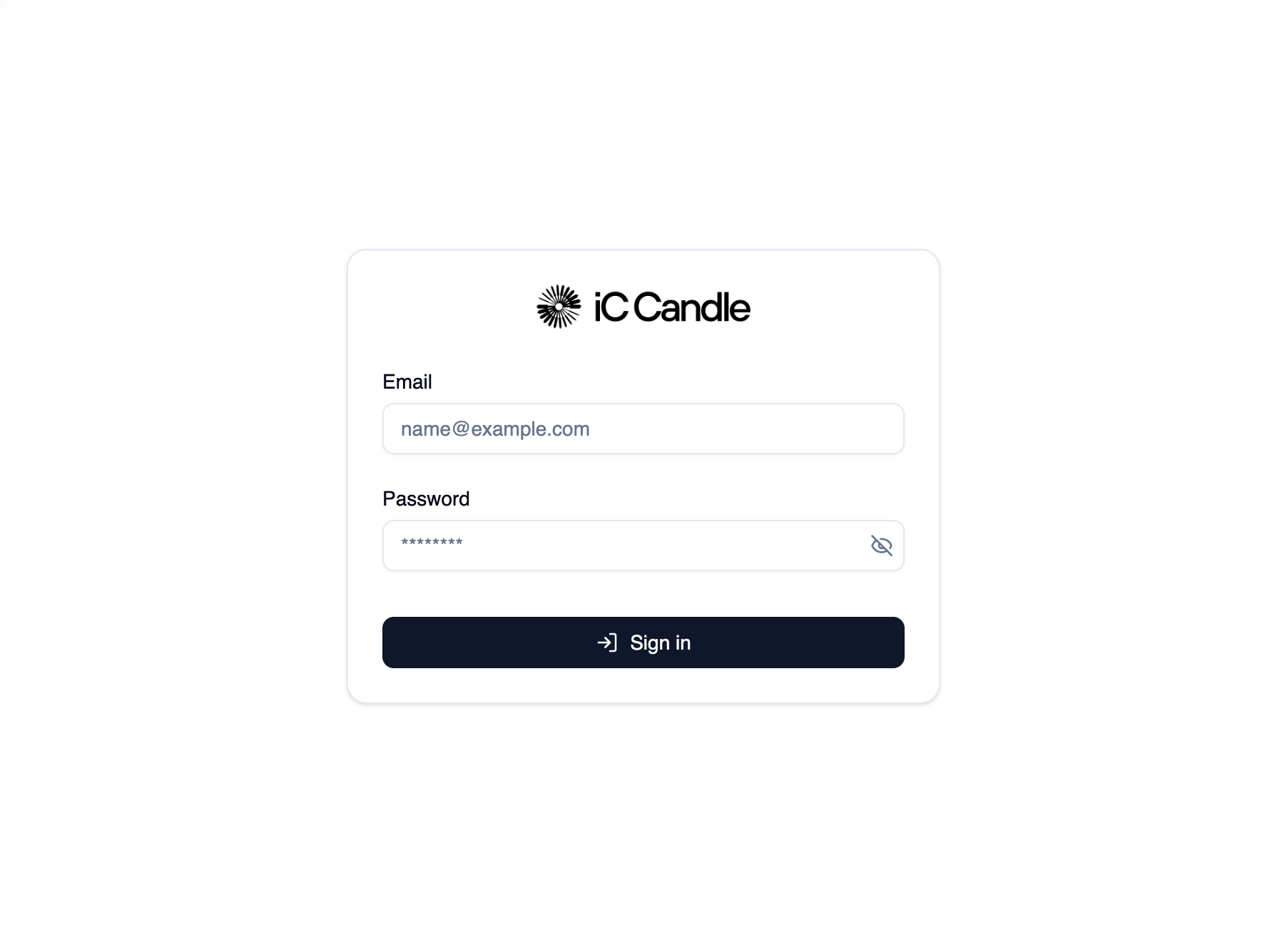
Open https://manager-uptech.iccandle.site/. You land on the sign-in form with Email and Password.
Step 2 — Sign in
- Enter your Email.
- Enter your Password.
- Select Sign in.
On success you are redirected to the dashboard (or the page you tried to open before sign-in).
Session behavior
- Stay signed in while your session is valid.
- Sign out from the profile menu when you finish.
- If the session expires, the dashboard redirects you back to sign-in.
Common sign-in errors
| Message | Likely cause | What to do |
|---|---|---|
| Invalid email or password | Wrong credentials | Check email and password; contact iC Candle for a reset |
| User not found | Email not registered | Confirm your platform account was provisioned |
| Account not verified | Email not confirmed | Check your inbox or contact support |
| Password does not meet requirements | New password too weak | Follow the password rules on the form |
| Too many failed attempts | Rate limiting | Wait and try again |
Next steps
After sign-in you can: